
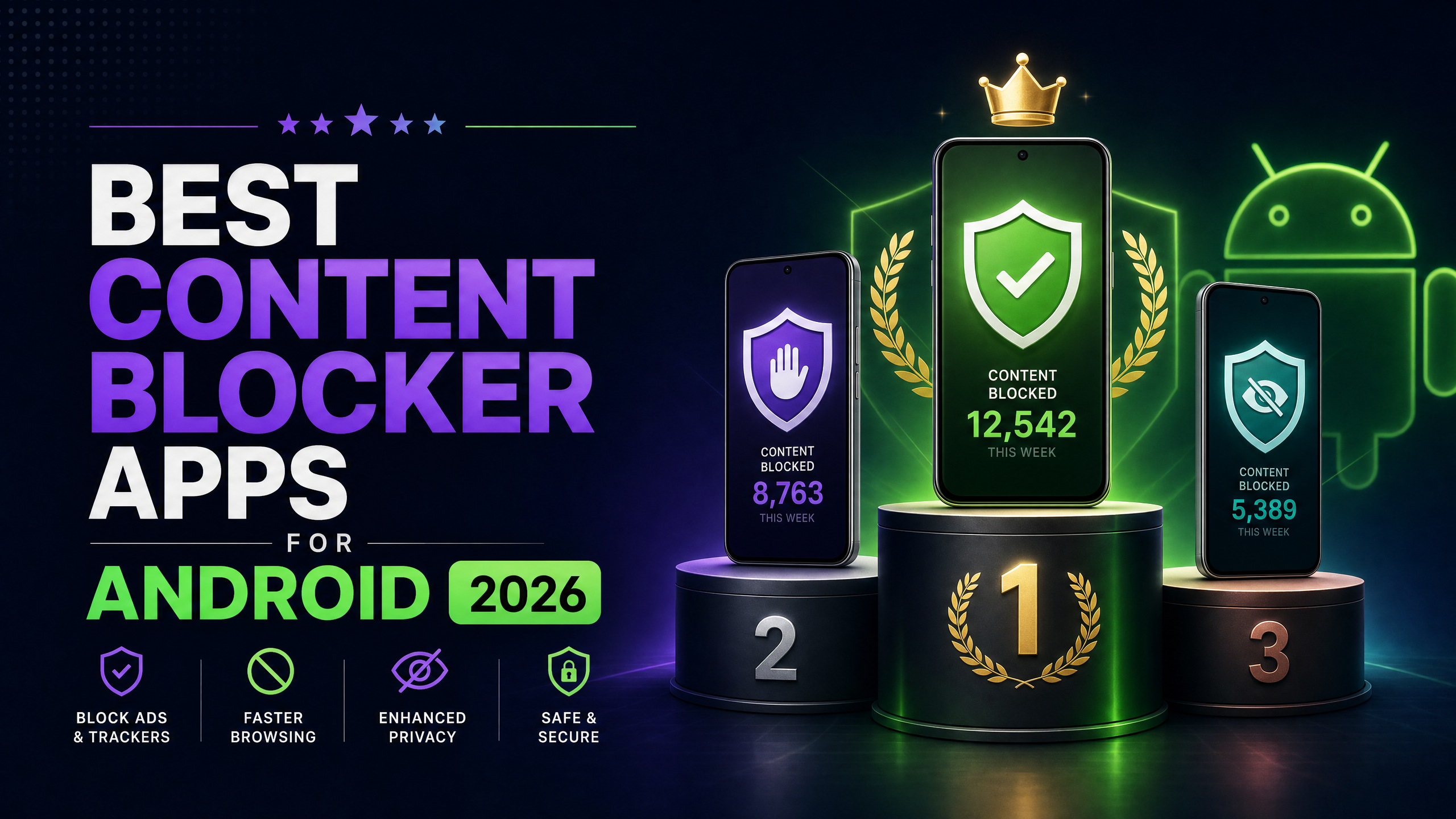
Looking for the best NoFap apps for Android? These five apps and tools can help you track streaks, reduce triggers, build healthier habits, and stay accountable. We compared blockers, recovery programs, and habit trackers to help you choose the right option for your goals.
The Best NoFap Apps Quick Comparison
| App | Best For | Platform | Content Blocking | Streak Tracking |
| BlockerPlus | Blocking + protection | Android | Yes | Yes |
| Fortify | Recovery programs | Android/iOS | No | Yes |
| BlockerX | Multi-platform blocking | Android/iOS/Chrome | Yes | Yes |
| Quitzilla | Streak tracking | Android/iOS | No | Yes |
| Brainbuddy | Guided recovery | Android/iOS | No | Yes |
Quick picks:
- BlockerPlus: Best overall for blocking and protection
- Fortify: Best for structured recovery and education
- BlockerX: Best for multi-platform coverage
- Quitzilla: Best for simple streak tracking
- Brainbuddy: Best for guided habit change
How We Tested
We compared each app based on the features that can matter most when trying to change unwanted habits:
- Content blocking: Does it actually block the bad stuff, or just the obvious sites?
- Bypass resistance: Can you just uninstall it in a moment of weakness?
- Progress tracking: Does it track your streaks and stats for motivation?
- Accountability: Does someone know if you slip up?
1. BlockerPlus: Best NoFap App for Android
Best for: Content blocking, protection, and progress tracking
BlockerPlus combines content blocking, uninstall protection, browser install blocking, social media limits, and progress tracking in one Android app. It is designed for people who want to reduce access to adult content and other common digital triggers.
NoFap-specific features:
- TrackerPlus: Daily, weekly, and monthly streak tracking with progress stats.
- Uninstall lock: Prevents removal during difficult moments without accountability partner approval.
- Browser blocking: Helps prevent downloading new browsers to bypass restrictions.
- Social media limits: Helps manage apps such as Instagram, TikTok, and Reddit.
- 1M+ sites blocked: Filters adult and other unwanted websites across supported apps.
Price: Free core features | Premium available
Editorial disclosure: BlockerPlus publishes this article and owns the app included in this comparison.
2. Fortify: Best for Understanding Unwanted Habits
Best for: Education and structured recovery programs
Fortify offers a structured recovery program with video lessons, journaling, and community support. Rather than focusing mainly on content blocking, it emphasizes education and helping users understand the habits and triggers they want to change.
It can also be used alongside a content blocker if you want both structured recovery resources and tools that help reduce access to unwanted content.
Price: Free basic | Premium available
3. BlockerX: Best for Multi-Platform Coverage
Best for: Android, iOS, and Chrome users
BlockerX has a strong community built into the app with articles and courses. It works across platforms, which is great if you need coverage on your laptop and phone.
One limitation is that: BlockerX doesn’t offer uninstall protection or browser blocking, which can make it easier to bypass restrictions. (Full comparison here)
Price: Free | Premium plans available
4. Quitzilla: Best Streak Tracker
Best for: Simple streak motivation
Quitzilla is primarily a habit-breaking and streak-tracking app rather than a content blocker. You can set a quit date, track your progress, view milestones, and receive motivational notifications.
If your main goal is seeing your progress and maintaining a streak, Quitzilla is a straightforward option. You can also combine it with a content blocker if you need additional protection from triggers.
Price: Free | Premium available
5. Brainbuddy: Best for Guided Recovery
Best for: Guided habit change and daily challenges
Brainbuddy offers daily challenges, mood tracking, and educational content through a structured program. It focuses more on behavior change than content blocking, making it useful for people who want guidance and activities to support their goals.
Because it doesn’t primarily function as a content blocker, you may want to use it alongside a blocking tool if reducing access to adult content is one of your main goals.
Price: Free | Premium available
How to Choose a NoFap App
Choose an app based on what you need most:
- For blocking triggers: Choose BlockerPlus or BlockerX.
- For streak tracking: Choose Quitzilla.
- For structured recovery: Choose Fortify or Brainbuddy.
- For accountability: Look for apps with partner or community features.
- For multiple devices: Choose a tool that supports the platforms you use.
The Winning Combination
No single app needs to do everything. The right combination depends on what you need:
- BlockerPlus: Blocking, protection, and streak tracking
- Fortify or Brainbuddy: Education and guided recovery
- NoFap community: Peer support and accountability
5 Tips for Success
- Install the blocker before you need it: Don’t wait for a relapse
- Set up accountability immediately: Someone you trust
- Block social media triggers: Instagram and TikTok are common catalysts
- Track your streaks: Visible progress is incredibly motivating
- Don’t rely on willpower alone: Use tools. That’s what they’re for.
Final Thoughts
The best NoFap app depends on what you need most. If your priority is blocking triggers and making it harder to bypass restrictions, BlockerPlus is a strong option. For structured recovery, Fortify and Brainbuddy offer guided resources, while Quitzilla is better suited to simple streak tracking.
You don’t need to use every app on this list. Choose the tool that fits your goals, set it up before you need it, and use it consistently to build healthier habits over time.
Related Reading
- Best NoFap Apps and Tools 2026 (Complete Guide)
- How to Stop Watching Porn: Complete Guide
- Signs of Porn Addiction: How to Know If You Have a Problem
- Best Porn Blockers for Android 2026
Frequently Asked Questions
1. Why does uninstall protection matter more than the blocklist itself?
A strong blocklist is less useful if you can immediately remove the app when you’re tempted. Uninstall protection adds an extra barrier and can make it harder to bypass your restrictions.
2. Are these five NoFap apps actually free?
All five offer some free functionality, but the amount of free features varies. Fortify, BlockerX, and Brainbuddy also offer paid features or premium plans.
3. Can I run several of these apps at the same time?
Yes. Some apps work well together because they serve different purposes. For example, a content blocker can handle access restrictions while a recovery or habit-tracking app focuses on progress and behavior change.
4. What is the difference between Fortify and Quitzilla?
Fortify focuses more on structured education and recovery resources, while Quitzilla is primarily a habit and streak tracker. Your choice depends on whether you want guided content or simple progress tracking.
5. Which app should I set up first?
Start with the tool that addresses your biggest challenge. If unwanted content is your main trigger, set up a blocker first. If tracking and motivation are more important, start with a streak or recovery app.
6. What is the best NoFap app for Android?
There isn’t one app that is best for everyone. BlockerPlus is a strong option if you want content blocking, uninstall protection, and progress tracking, while Fortify, Quitzilla, and Brainbuddy focus more on recovery or habit tracking.
References & Sources
- Journal of Behavioral Addictions, 2018: Research on digital interventions and their potential role in supporting behavioral change.
- American Psychological Association: Information about compulsive sexual behavior and related mental health considerations.
This article is for informational purposes only and does not constitute medical or psychological advice. If you’re struggling with compulsive behaviors, consider speaking with a licensed mental health professional.
Disclaimer: BlockerPlus is a digital tool and is not a substitute for professional treatment.

Related Articles

BlockerPlus blocks content, tracks your streak, and keeps you accountable, free on Android & iOS.
Download Free